Mechanics Lecture Notes

Mechanical

A translated, formatted and stylized lecture note set from one of the best physics professors Pavel Viktor.

Status

Finished

Timeline

~1 year

Project Overview

This project is a comprehensive set of lecture notes derived from Pavel Viktor’s renowned high school physics lectures available on YouTube. The notes cover topics in Error Theory, Mechanics, Kinematics, Dynamics, and Statics, structured to follow the sequence of the lecture series. Designed for clarity and educational value, these notes are typeset in LaTeX, formatted with Markdown, and enriched with visual content like graphs and equations to enhance understanding.

The entire collection is available as a single, professionally formatted PDF. For more flexibility, especially for users of tools like Obsidian, the notes are also organized as individual Markdown files in a public GitHub repository.
Requirements and Technical Challenges

Transcribing Spoken Lectures

Converting freeform spoken content into structured, precise academic notes required careful attention to detail and iterative review.

Indexing and Navigation

Designing a user-friendly and logical index for quick topic lookup while preserving the lecture sequence.

Visual Representation

Generating diagrams and equations in LaTeX to faithfully represent concepts and mathematical derivations.

Key Features

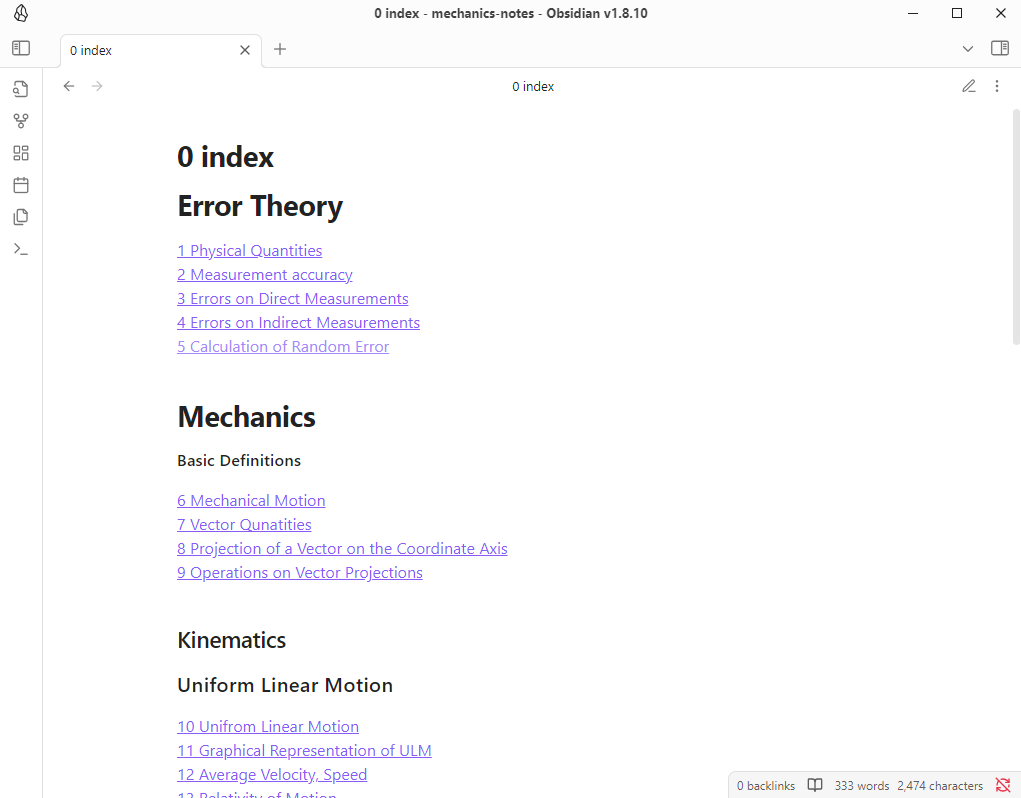
  • Easily navigable index mirroring the lecture flow (e.g., Error Theory → Kinematics → Dynamics → Statics).
  • All diagrams, equations, and symbols are created using LaTeX for precision and clarity.
  • Ideal for students, educators, and autodidacts who wish to follow or revise Pavel Viktor’s physics lectures with structured, high-quality notes
  • Hosted on GitHub with access for contributors and learners.
  • Dual format availability
  • Combined PDF for offline reading and printing
  • Markdown Files for modular editing and integration with note-taking software like Obsidian.

Development Process

How to Clone the Notes Repository

You can access and use the notes directly by cloning the GitHub repository. This is especially recommended if you use Obsidian or a similar Markdown-friendly app.

Clone Instructions:/h3>

  • Open your terminal (or Git Bash on Windows).
  • Navigate to your desired directory:
  •                             cd path/to/your/notes-directory
                              
  • Clone the repository
  •                               git clone https://github.com/annamelkk/mechanics-notes.git
                                
  • Open the folder in Obsidian:
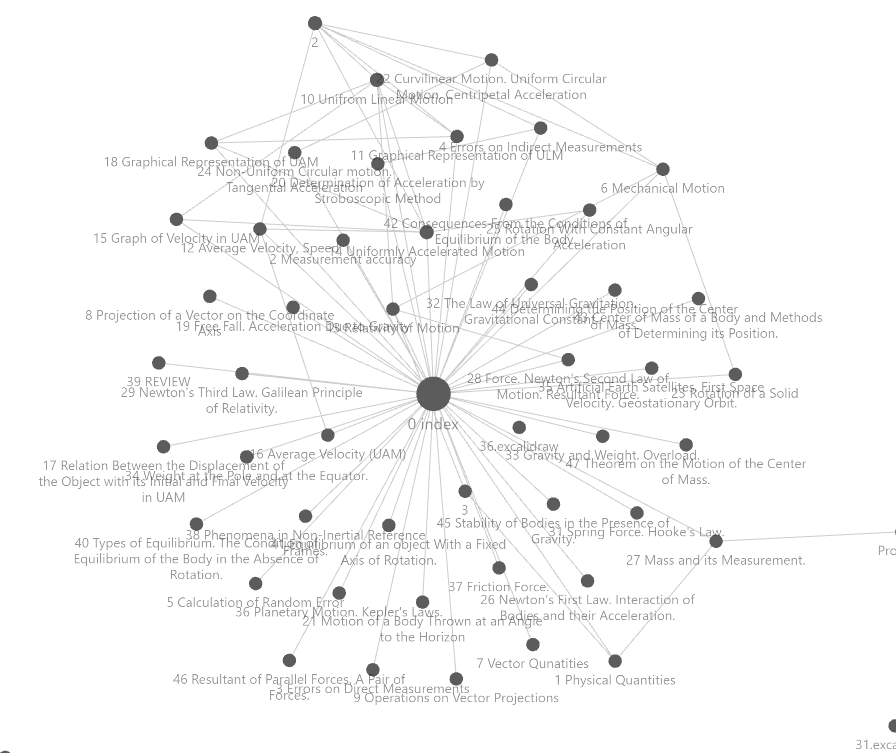
Now you can explore the notes interactively, benefit from Obsidian’s graph view, backlinking, and tagging features, and even contribute improvements or additions via GitHub.